Understanding Computer Memory
Memory is a core component of any computing system, serving as the workspace that the processor uses to store and access data quickly. Unlike storage devices which keep data permanently, memory provides fast, temporary access to information that the CPU needs while performing tasks.
Types of Memory
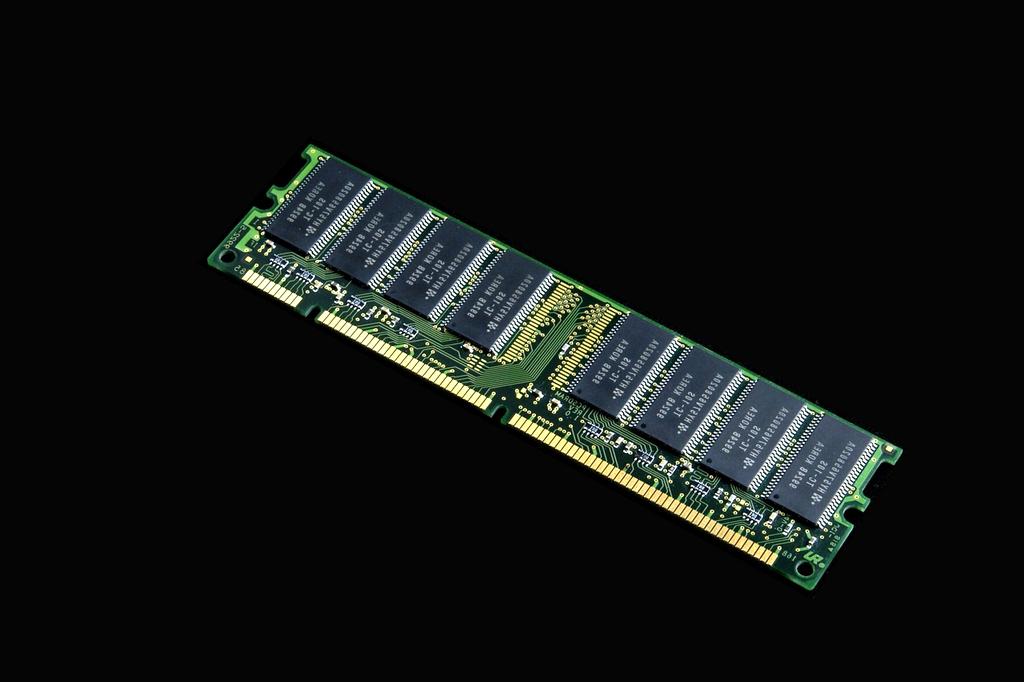
RAM (Random Access Memory)
RAM is the primary memory of a computer. It is volatile, meaning it loses all stored data when power is turned off. RAM's speed enables smooth operation of applications and multitasking by giving the processor quick access to frequently used data and instructions.
Cache Memory
Cache is a smaller, faster type of memory located closer to the CPU cores. It stores copies of frequently accessed data to speed up processing. Cache is organized in levels (L1, L2, and L3) that vary by size and speed.
Memory Hierarchy
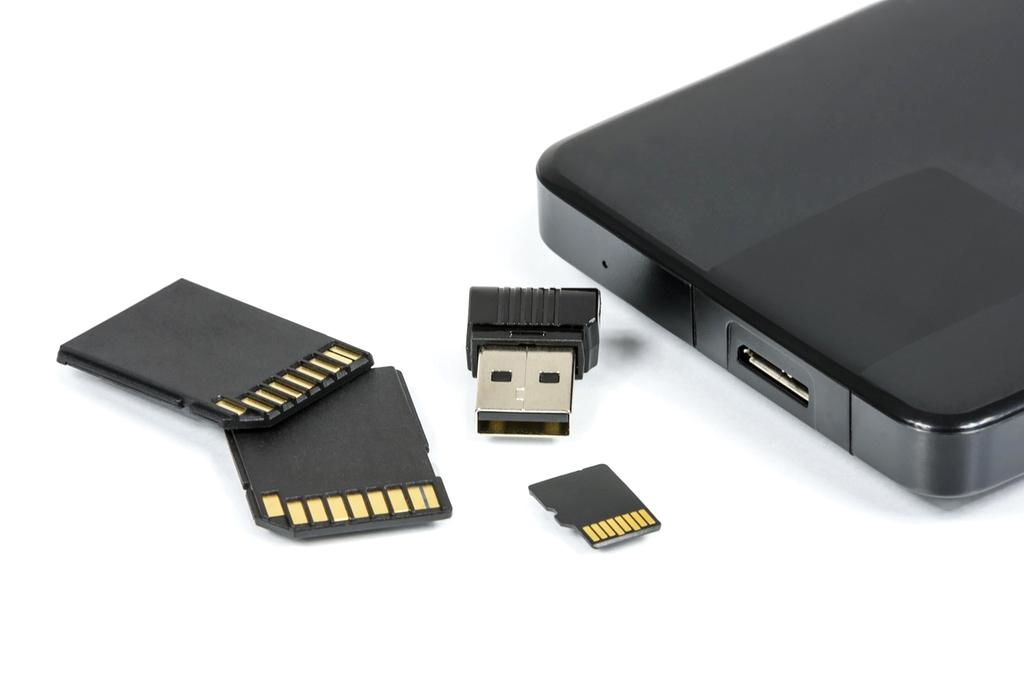
In computing systems, memory is arranged in a hierarchy where speed and cost vary inversely with size. At the top lies small but ultra-fast memories like CPU registers and cache, followed by RAM, and then slower, larger storage devices like SSDs and HDDs. This hierarchy allows for optimal performance and cost efficiency.
How Memory Impacts Performance
The capacity and speed of memory directly affect system responsiveness and the ability to run complex applications or multitask efficiently. Insufficient RAM can cause frequent use of disk-based virtual memory, leading to slower performance. Faster memory technologies and proper memory management are thus critical for overall system optimization.